General Settings
General Settings control how time slots, appointment status, and global preferences work across ZimSaas. Open Settings from the bottom-left of the admin area.
Appointment Settings
These options shape how time slots are calculated and displayed.
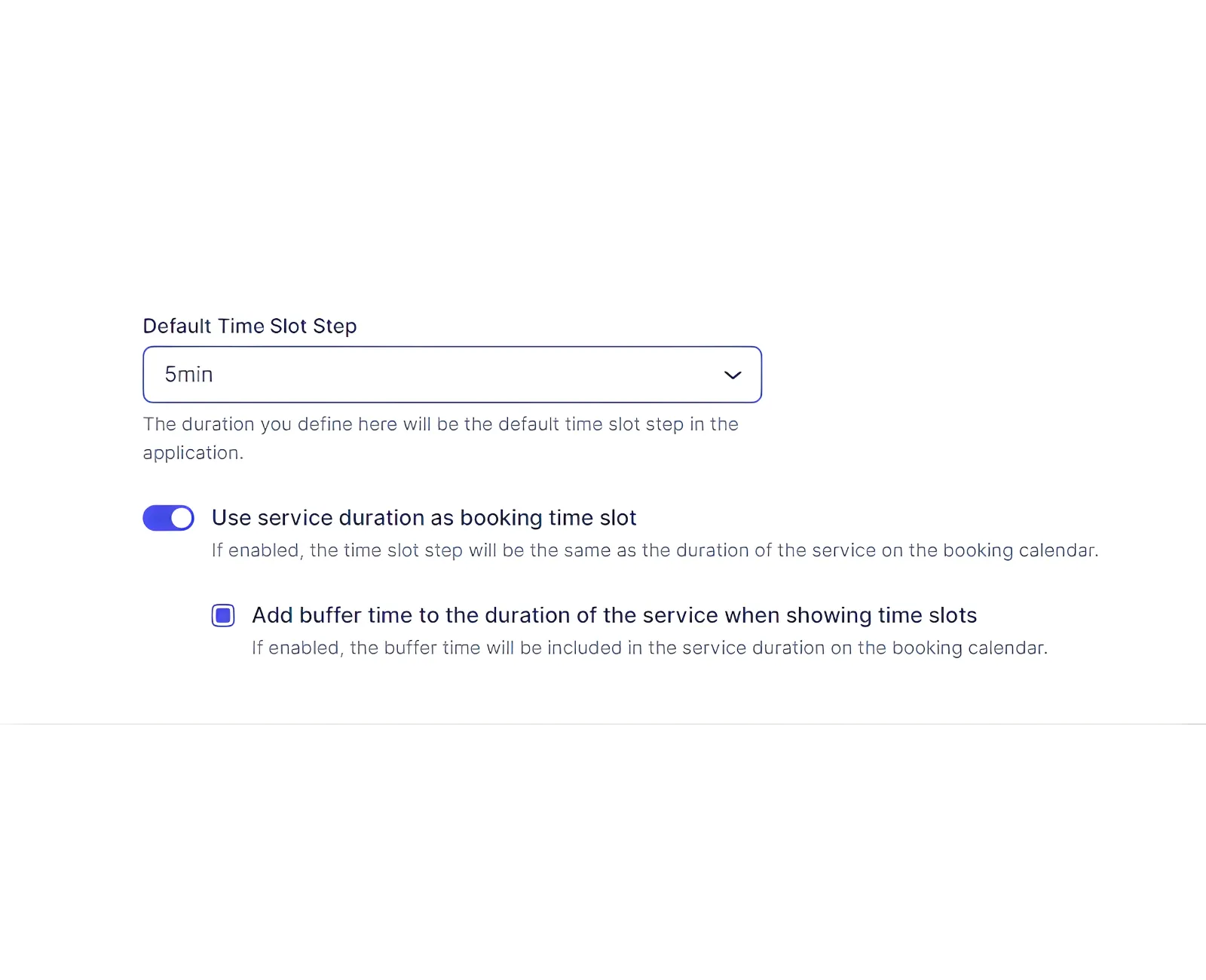
Default Time Slot Step
Set the base time increment used for service durations, working hours, special days, and buffer time. ZimSaas requires all durations to be divisible by this number.
Example: If you need a 2-hour service with 5-minute buffers, set the default step to 5 minutes.
Use Service Duration as Booking Time Slot
This determines how customers see available slots:
- Disabled: Time slots follow the Default Time Slot Step. A 60-minute service with a 5-minute step shows 09:00–10:00, 09:05–10:05, and so on. When a customer books, the service duration blocks overlapping slots.
- Enabled: Slot length equals the full appointment duration (service duration plus extra durations). If a service is 90 minutes and an employee works 09:00–17:00, slots will appear as 09:00–10:30, 10:30–12:00, etc.
When enabled, you can also add buffer time to the displayed slot length. That makes each appointment block longer in the booking UI.
Status and Time Limitations
These rules apply globally unless overridden per service.
Default Appointment Status
Choose the status assigned to new appointments. Approved is the default. Pending requires manual approval. Group appointments with a minimum capacity above 1 will start as Pending until the minimum is met.
Minimum Time Required Before Booking
Block last‑minute bookings by requiring a minimum lead time (e.g., 1 day).
Minimum Time Required Before Canceling
Set how close to the appointment a customer can cancel (e.g., 2 hours).
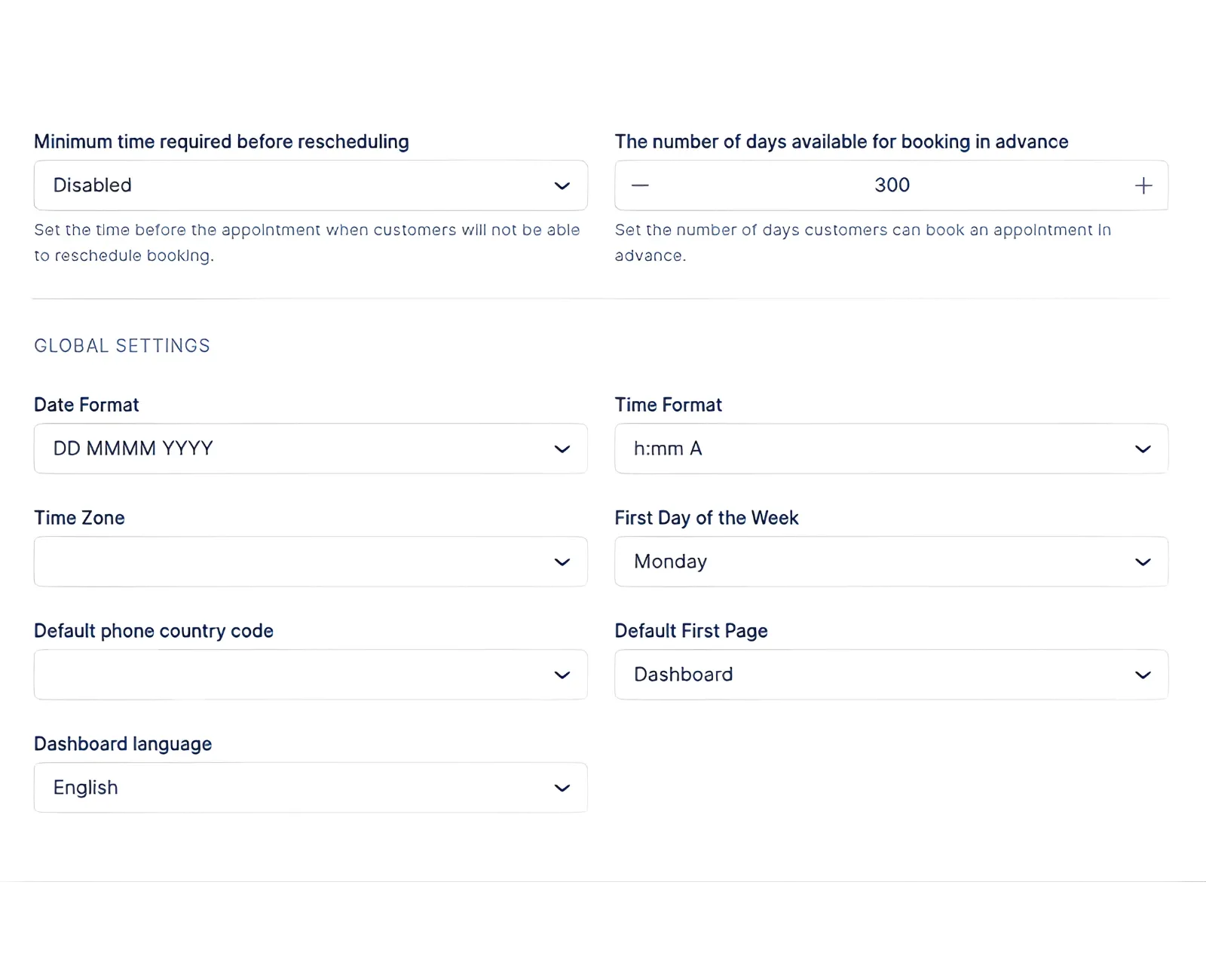
Minimum Time Required Before Rescheduling
Restrict rescheduling within a set window (e.g., 1 hour).
Period Available for Booking in Advance
Define how far into the future customers can book. The default is 100 days.
Global Settings
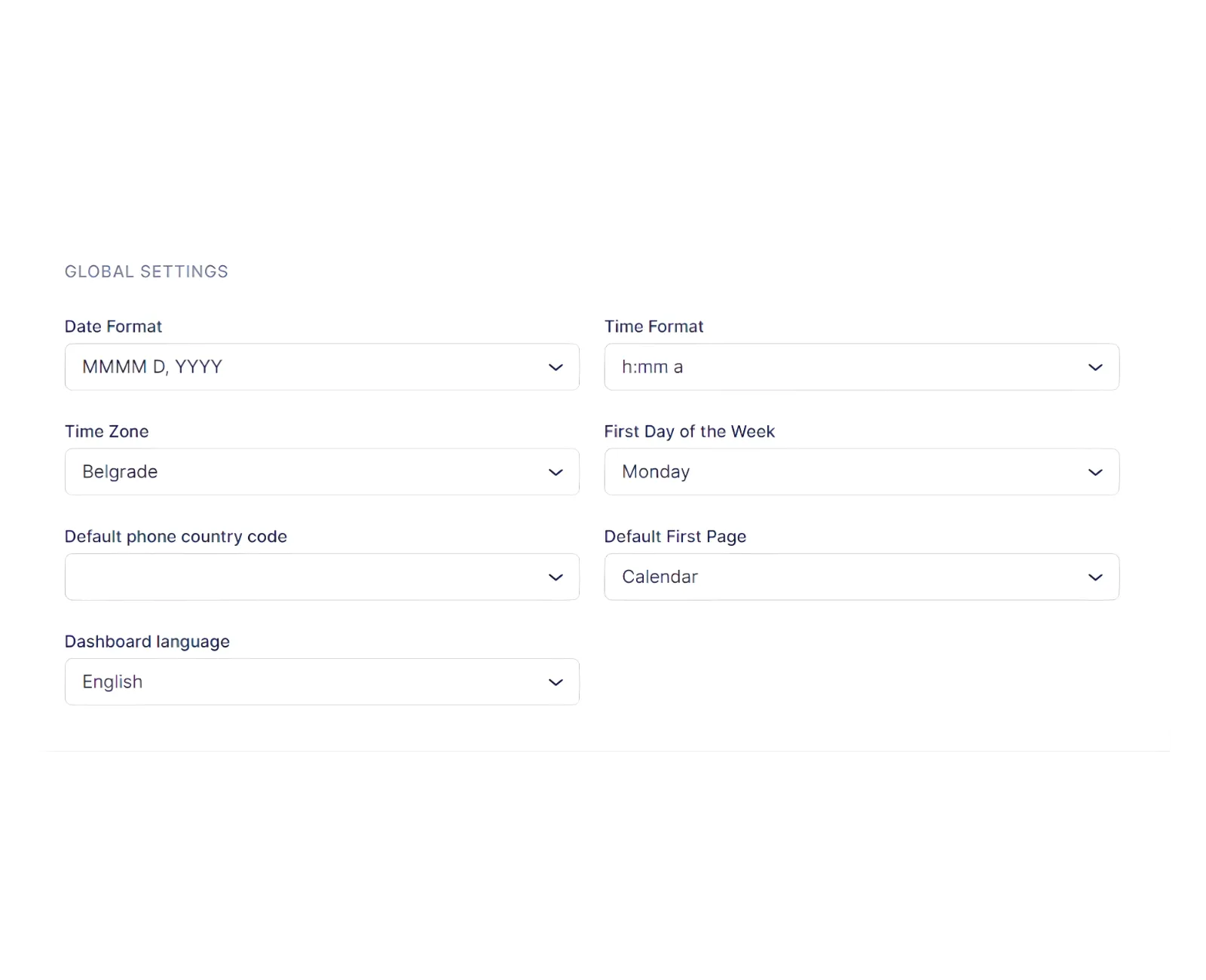
These options affect formats and backend defaults:
- Date format
- Time format (12-hour or 24-hour)
- Time zone (customers see local time; employees can have their own)
- First day of week
- Default phone country code
- Default first admin page (Calendar, Dashboard, or Appointments)
- Dashboard language
Related Topics
Need help?
Chat with our team on WhatsApp for setup guidance and troubleshooting.
Open WhatsApp support