Company Settings
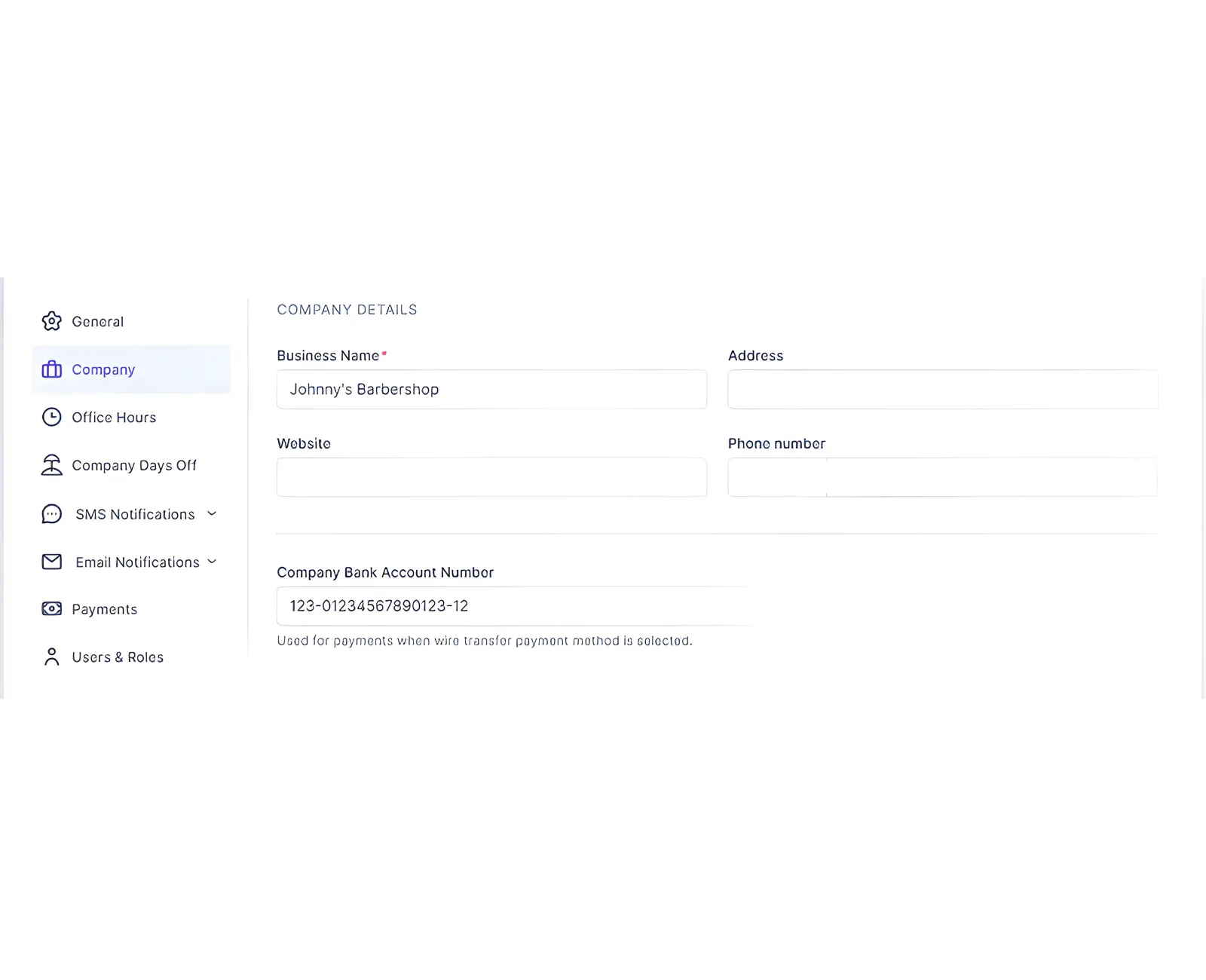
Company Settings control how your business details appear on notifications and your booking website. Open Settings > Company in the admin area.
What You Can Configure
- Business Name: Appears in notifications and on the booking website.
- Address: Optional address shown in customer communication.
- Website: Your official URL, used in notifications.
- Phone Number: Your primary contact number.
- Company Bank Account Number: Appears on invoices for bank transfer payments.
When finished, click Save Changes at the bottom of the page.
Related Topics
Need help?
Chat with our team on WhatsApp for setup guidance and troubleshooting.
Open WhatsApp supportLast updated on