Company Days Off
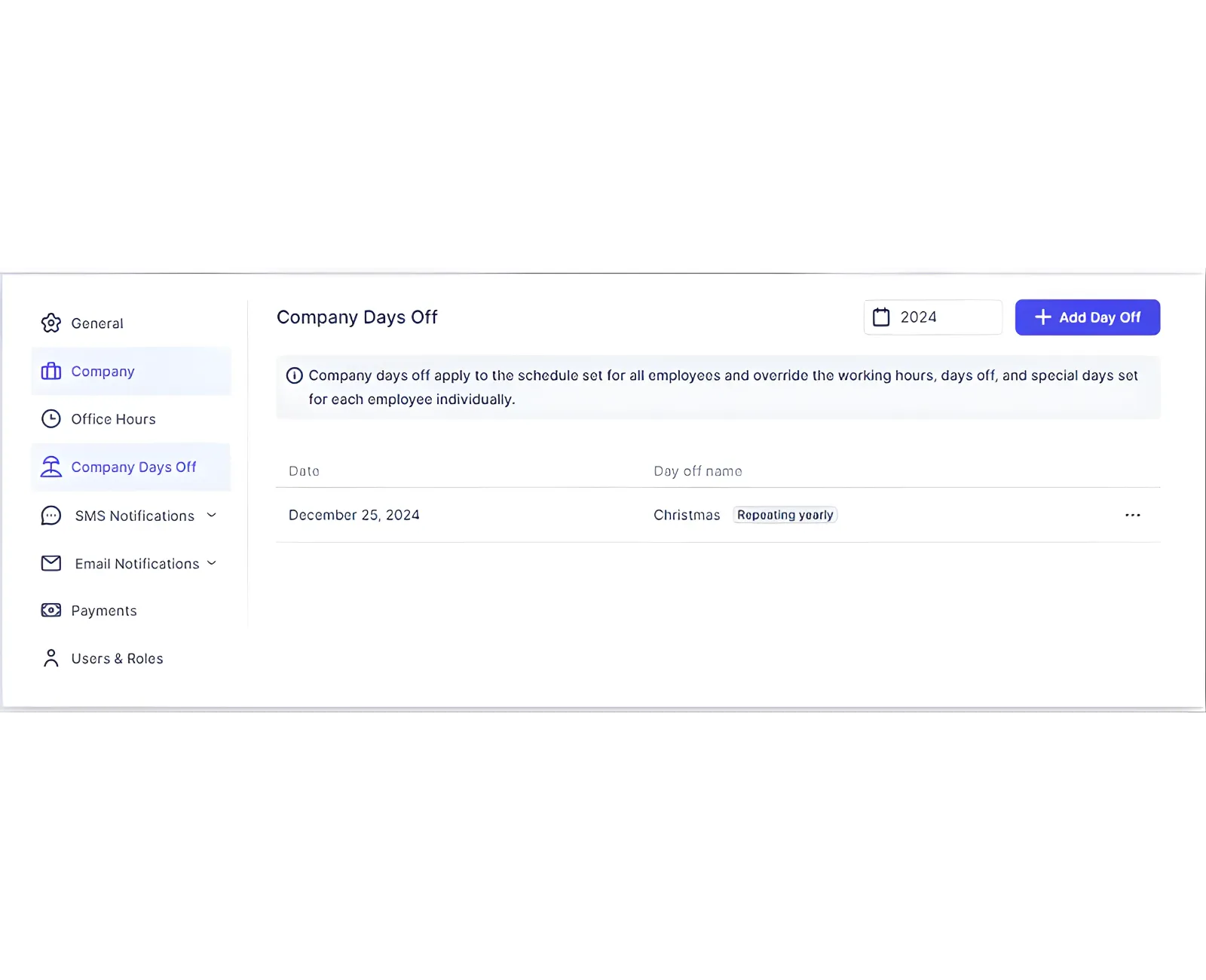
Company Days Off are company‑wide closures that block all availability. They override employee Days Off and Special Days.
Add a Company Day Off
- Go to Settings > Company Days Off.
- Click + Add Day Off.
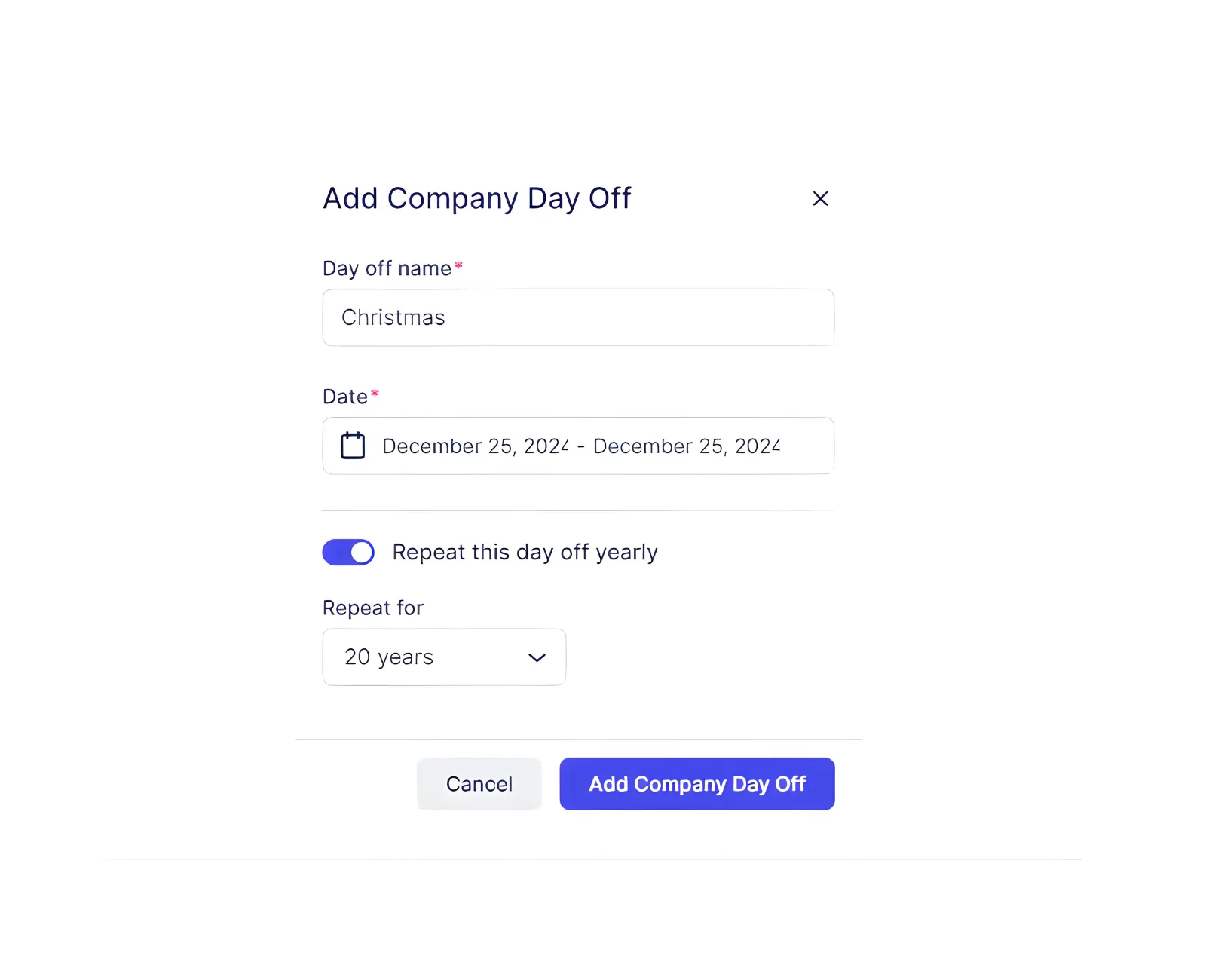
- Enter a name for the day off.
- Select a single date (double‑click) or choose a date range.
- Decide if it repeats annually (1 to 20 years).
- Save your changes.
You can edit or delete entries from the three‑dots menu in the list.
Note: If a day off is set to repeat, you cannot change that repeat setting later. Delete and recreate it if needed.
Related Topics
Need help?
Chat with our team on WhatsApp for setup guidance and troubleshooting.
Open WhatsApp supportLast updated on